

Choosing Workforce Planning Tools: A Buyer's Framework
How to choose workforce planning tools — must-have features, evaluation steps, and how to match the right platform to your team size and HR maturity.
Ployo Team
Ployo Editorial
TL;DR
- Prioritise forecasting, scenario planning, and skills-mapping over flashy dashboards.
- Modern tools use AI and predictive modelling — basic spreadsheets no longer cut it.
- Match the tool to your planning maturity: simple automation for early teams, deeper analytics for established ones.
- Integration with HRIS, ATS, and payroll matters more than feature checklists.
- Trial before committing — many companies buy tools they never fully use.
Reactive hiring is expensive. Without workforce planning, teams discover talent gaps after they've already started hurting operations, and recruiters spend their time firefighting instead of building pipelines. Workforce planning tools change that — but only when chosen with discipline. This guide walks through what these tools actually do, the features that matter, and how to pick one that fits your team's maturity instead of someone else's.
What Workforce Planning Tools Do
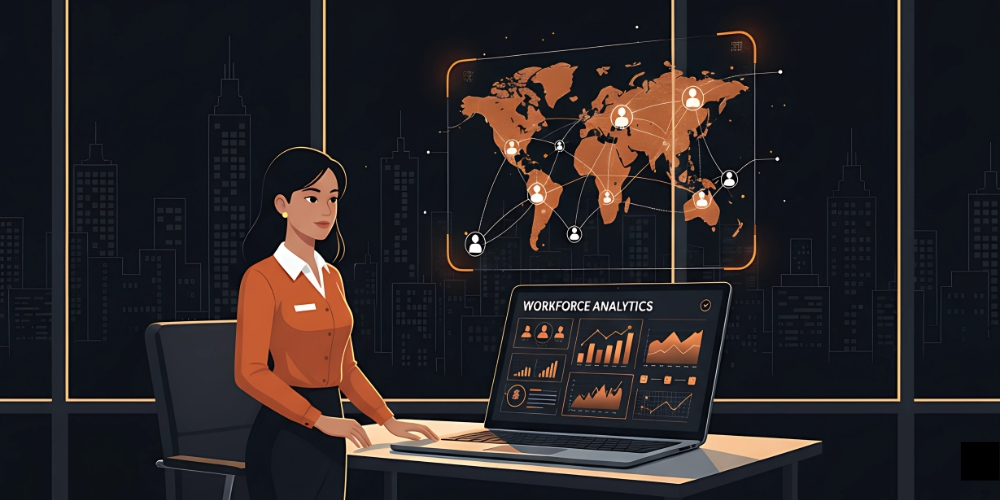
A workforce planning tool is software that forecasts, analyses, and aligns your workforce to business needs. The strong ones go far beyond spreadsheets — they integrate data sources, run scenarios, and surface gaps before they become operational problems.
Categories worth knowing:
- Strategic workforce planning tools — 3–5 year horizon, alignment with business strategy.
- Skills-based planning tools — match capabilities to roles and projects, support reskilling.
- Workforce development tools — focused on growing capability inside the existing team.
- Workforce planning systems / staffing tools — broader, often combining several capabilities.
Per SkillPanel's overview, what separates modern tools from earlier generations is the integration of AI, predictive modelling, and live dashboards — turning planning from an annual exercise into a continuous practice.
Why Recruiters Need These Tools
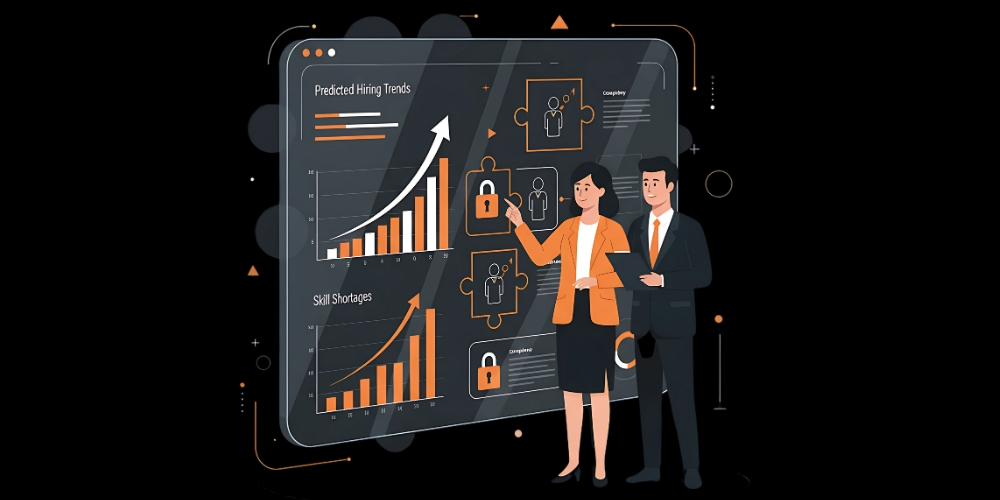
Five concrete benefits.
1. Prevent talent shortages
Forecasting surfaces upcoming gaps from turnover, growth, or market shifts. Using workforce planning to avoid talent shortages is structurally cheaper than reactive hiring.
2. More efficient hiring
Smart planning tools prioritise roles by impact. The result is right-sized hiring — neither under- nor over-staffed — and clearer trade-offs between hiring externally and developing internally.
3. Align skills to strategy
Combining workforce forecasting with skills analytics lets you hire for tomorrow's needs, not just today's. When you know what skills will matter in 2–3 years, hiring decisions become strategic rather than tactical.
4. Scenario flexibility
Tools model multiple futures — remote-vs-office mixes, gig-workforce ratios, cross-training pipelines. McKinsey describes this as "fluidity of resources" that connects HR to financial and operational planning.
5. Data-driven decisions
Replacing intuition with metrics — turnover trends, headcount data, succession gaps — improves accountability and prevents the "we should hire someone" reflex from dominating decisions.
Features That Actually Matter
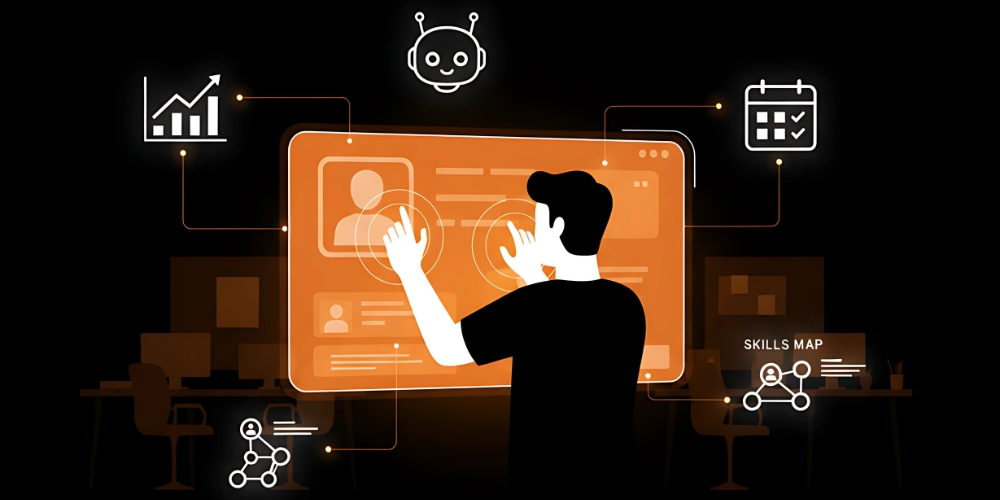
Six features that consistently distinguish strong tools.
Forecasting and scenario planning
Strong tools predict talent needs months to years ahead and let you simulate "what if" cases — hiring freezes, expansions, skill shifts. See workforce forecasting fundamentals for the methodology underneath.
Skills mapping
Tools that move beyond job titles to actual skill inventories enable internal redeployment instead of constant external hiring. Combined with workforce planning and analytics, you see where skill surpluses and shortages are emerging.
Real-time dashboards
Live visibility into attrition, capacity, productivity, and turnover. Dashboards turn planning into a conversation rather than an annual report.
Integration with HR tech stack
HRIS, ATS, payroll, performance management — strong tools sync across the stack so data stays clean and decisions reflect reality. Manual data reconciliation between systems is where most planning programs die.
Automation and AI
Automated data refreshes, predictive models, reskilling-path suggestions. AI is most useful when it accelerates routine planning work, not when it tries to replace planner judgment.
Vendor support
Onboarding, training, ongoing support. Most tools fail not from missing features but from poor adoption — strong vendor support directly affects adoption.
How to Choose the Right Tool
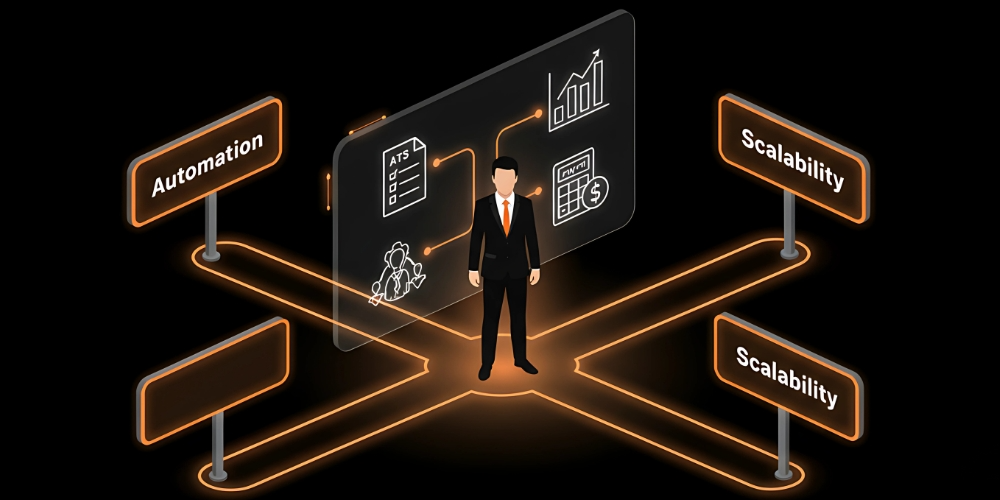
Five evaluation steps.
1. Identify planning maturity
Excel-based teams should start with simple automation, not the most sophisticated platform. Teams already running advanced metrics can move to strategic planning tools with deeper analytics and scenario modelling.
2. Define goals before features
Many companies buy tools they never fully use because they bought for features rather than purpose. Define why first: cutting hiring delays, improving reskilling, avoiding talent shortages, supporting acquisition integration. Goals narrow the field fast.
3. Check scalability and support
The tool needs to grow with your headcount, geographic spread, and complexity. Strong vendor onboarding matters especially for HR teams without dedicated analytics support.
4. Verify data security and compliance
Any platform handling employee data must comply with GDPR, CCPA, or relevant local regimes. SOC 2 Type II certification is a reasonable minimum bar.
5. Trial before commit
Demos and free trials beat slide decks. Model real scenarios, generate real reports, involve real users from HR, finance, and operations. The tool that wins in demo often loses in daily use.
The Bottom Line
Workforce planning tools turn reactive recruiting into structured foresight — but only when the tool matches the team's maturity, integrates cleanly with existing systems, and is adopted seriously after purchase. The companies that benefit pick deliberately: clear goals, evaluation across real users, scaling considerations factored in, security verified. The companies that don't end up with expensive shelfware. Look ahead before your next hiring wave; the right tool pays for itself within months of being used well.
FAQs
Can small businesses use workforce planning tools?
Yes — many cloud-based tools are designed for SMB-scale teams with affordable pricing and lighter feature sets. The smaller the team, the more important ease of use becomes relative to feature depth.
How do AI-powered tools improve workforce planning?
By analysing larger datasets than manual analysis can handle — detecting skill shortages, predicting attrition, suggesting hiring or reskilling paths. AI also automates routine forecasting that would otherwise consume hours per week.
What features should I prioritise?
Forecasting + scenario planning + skills mapping + ATS/HRIS integration. Dashboards and reporting matter, but they're secondary — the core value comes from accurate forward-looking planning, not retrospective reporting.
How long does implementation take?
Typically 4–12 weeks for SMB deployments and 3–6 months for enterprise rollouts with deep HRIS integration. Plan for change management — adoption matters more than configuration.
What's the single highest-leverage capability?
Skills mapping integrated with forecasting. Together they enable proactive reskilling and internal mobility — both of which produce far better outcomes than constant external hiring for emerging gaps.
Keep reading

Choosing a Workforce Planning Model: Five Approaches Compared

Workforce Segmentation Strategies That Deliver Results
