

Mobile Workforce Automation: The Complete Guide
Mobile workforce automation explained — how it works, key features, benefits for HR + ops, AI enhancement, and common challenges to expect.
Ployo Team
Ployo Editorial
TL;DR
- Mobile workforce automation = guide, track, support field teams via apps + alerts.
- Global mobile workforce reached ~1.87B by 2022 (HR Online).
- Hospitals cut appointment delays 23% with mobile workforce systems (SMR).
- Core features: dashboards, smart scheduling, location tracking, digital forms, AI.
- Best when integrated with HR + workforce-planning tools.
Teams in the field move fast — but paper checklists, slow updates, and scattered tools hold them back. Mobile workforce automation gives them a unified system. This guide explains what it is, why it matters, the key features, and how AI raises the bar.
What Mobile Workforce Automation Is
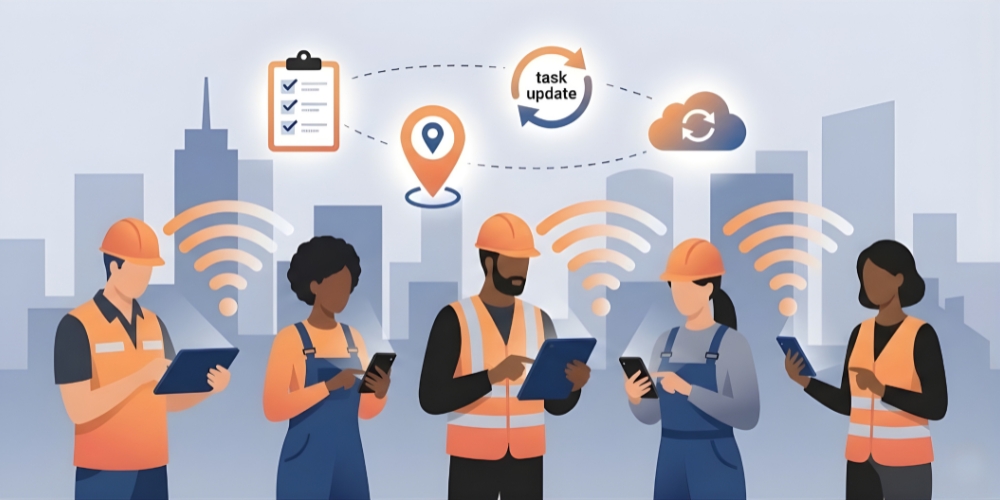
Tools that guide, track, and support employees who work outside the office. Mobile apps, digital forms, live updates, GPS, smart alerts — all in one connected system.
Supports HR and operations with real-time visibility into where work stands without calling or checking multiple systems.
Per HR Online's analysis, global mobile workforce reached ~1.87B by 2022 — roughly 42.5% of total global workforce. Hence the shift from spreadsheets to mobile management.
Why It Matters
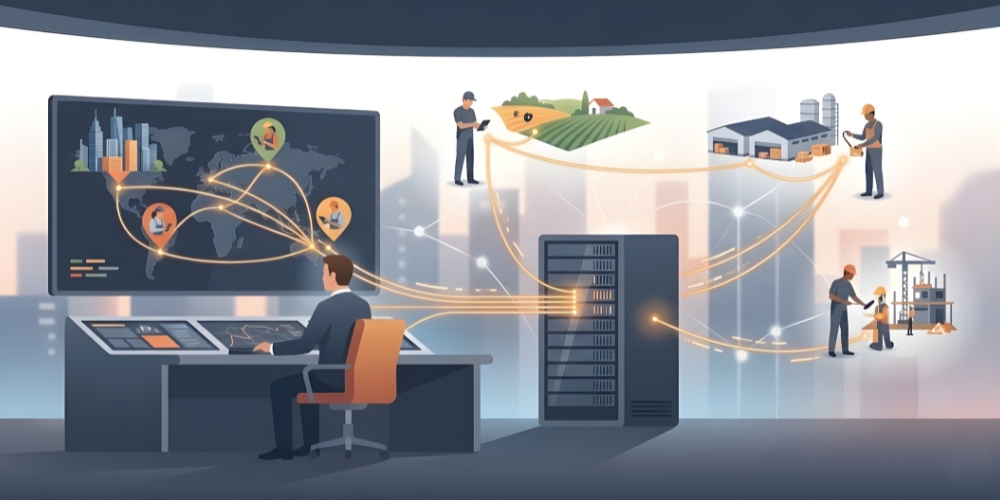
Per Strategic Market Research, a South Korean hospital cut appointment delays 23% after integrating mobile workforce management with patient systems and dynamic scheduling.
Core benefits
- HR sends tasks quickly
- Operations follows real-time progress
- Managers spot issues without waiting
- Workforce planning improves with live activity data
Connects naturally with workforce planning tools and supports remote work ethics by reducing confusion through clearer information flow.
Key Features
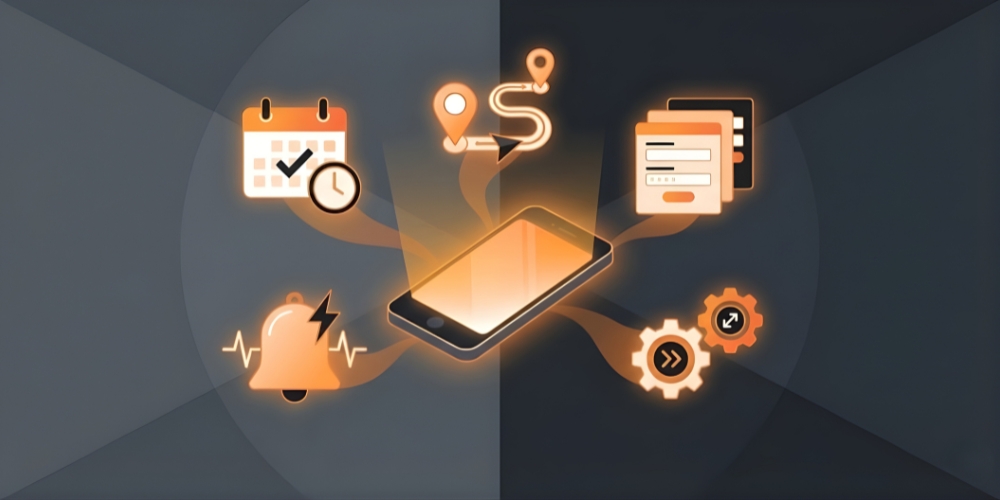
Seven features that make these systems work.
Mobile-first dashboards
Tasks, photos, tickets, reports, checklists — all in one app.
Smart scheduling
Field tasks change often. Real-time shift updates and reassignments without endless back-and-forth.
Real-time location and task tracking
Safety, balanced workload, fast response to urgent issues.
Built-in reporting and digital forms
Field teams complete checklists, attach photos, submit reports without office visits.
HR + AI integration
Connects with HR automation software to link workforce data with attendance, payroll, tasks.
Scalability
Larger teams, more job sites, more detailed reporting without slowdown.
Industry-specific tools
Inspection checklists, delivery tracking, maintenance logs aligned with mobile workforce trends.
Benefits for HR and Operations
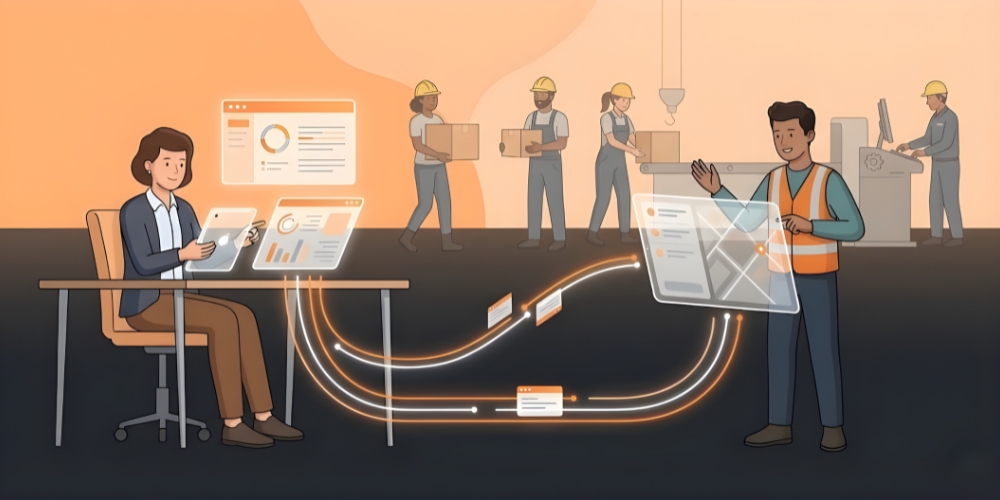
Five concrete benefits.
Better visibility for HR
Attendance, shift completion, routes, workload — one place. No manual logs or phone tag.
More control for operations
Instant field updates. Job assignments in seconds. Delays caught early.
Reduced admin
Digital forms + mobile updates cut paperwork. Hours saved weekly; cleaner records.
Faster response to issues
Field workers send photos, notes, voice messages. Managers act immediately.
Stronger employee support
Clear instructions, fair schedules, real-time help. Morale rises naturally.
How AI Enhances It
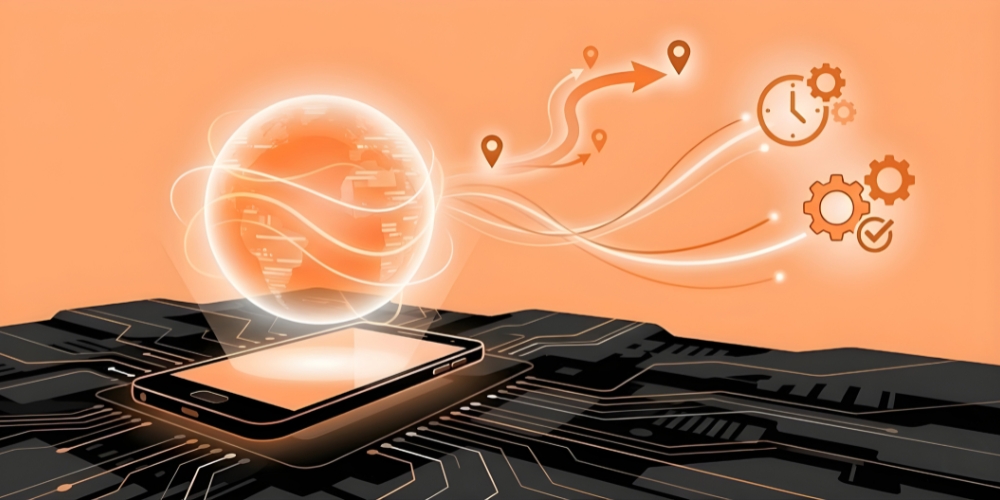
Five contributions.
Smarter scheduling and forecasting
Past patterns + peak hours + weather + availability → balanced workload + reduced overtime.
Automatic task routing
Real-time traffic + job priority + worker skills + location → optimal routes and assignments.
Cleaner data
AI reads entries, flags errors, surfaces missing info. HR records stay accurate.
Safer field operations
Detects unsafe patterns; sends timely alerts.
Long-term planning
Better insights for hiring, training, equipment investments.
Common Challenges and Solutions
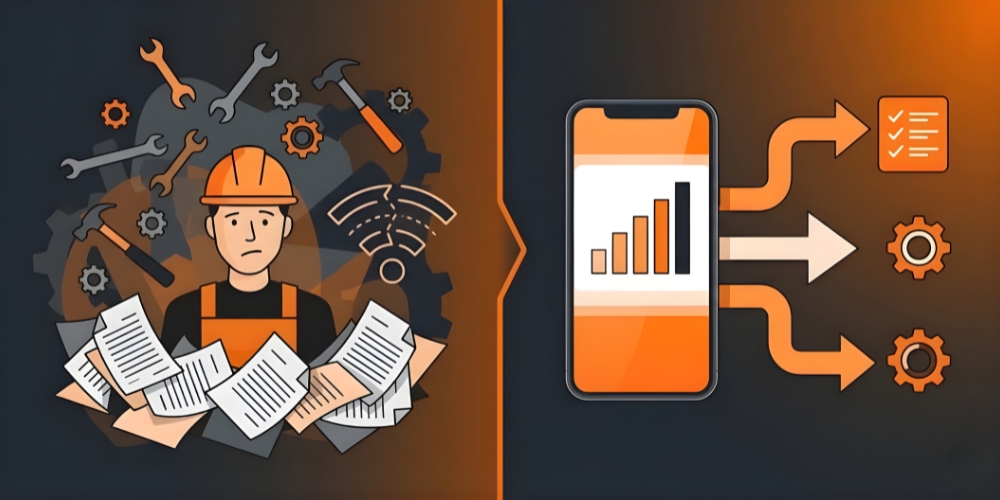
Five common challenges with fixes.
Low adoption from field teams
Simple training, demo daily-task benefits, allow adjustment time.
Poor network coverage
Choose solutions with offline support and auto-sync when connection returns.
Hard-to-use tools
User-friendly apps with clean layouts. Test with field workers before rollout.
Scattered tools
Look for integration with existing HR and workforce-management tools. Unify the stack.
Lack of clear workflows
Set up simple job flows with checklists and automatic reminders inside the system.
The Bottom Line
Mobile workforce automation helps companies stay organised, move faster, and support teams across multiple locations. One system for schedules, updates, tracking, communication. As mobile work keeps growing, the companies adopting smart tools now will be stronger and better prepared for the next decade of distributed work.
FAQs
How does it benefit HR departments?
Reduces paperwork, improves visibility into attendance and tasks, supports field teams more effectively. Connects with scheduling tools to simplify daily work.
Which industries use it most?
Field service, logistics, construction, healthcare, energy, telecom, retail — anywhere teams work in multiple locations.
How does AI improve mobile workforce management?
Forecasting, task assignment, route planning, data accuracy. Faster decisions; more reliable information.
What's the biggest implementation barrier?
Field-team adoption. Even strong tools fail without team buy-in. Training and clear demonstration of daily benefit are essential.
What's the highest-leverage starting move?
Pick one frequent friction point — scheduling, reporting, or routing — and pilot a mobile tool for 60 days. Document time saved and team feedback. The case for broader rollout writes itself.


