

Job Requisition: The Complete Guide for Hiring Teams
Job requisition explained — what to include, how to write one, sample templates, and how it differs from job descriptions and postings.
Ployo Team
Ployo Editorial

TL;DR
- Job requisition = internal hiring request, before recruiting starts.
- Includes role details, budget, justification, reporting, approvals.
- Process: identify need → form → approve → ATS → recruit.
- Prevents over-hiring, miscommunication, budget overruns.
- Different from job description (role details) + job posting (public ad).
Strong hiring doesn't start with a job post — it starts with a plan. That plan begins with the job requisition. Skip it and you get guesswork, misaligned managers, candidates falling through cracks. This guide explains what a job requisition is, what goes into it, and how it differs from job descriptions and postings.
What a Job Requisition Is

A formal request submitted by a hiring manager to fill a role within the company. The internal green light before recruiting begins. Pairs naturally with structured recruitment methods.
What it includes
Document or digital form explaining why the role needs filling, what budget is required, who needs to approve. Job title, department, justification, salary range, replacement vs new position.
What's in a Job Requisition

Six core sections.
1. Job details
Title, department, full-time or part-time, location. Foundation for everything downstream.
2. Justification for the role
Why is this needed? Replacement, new project, team capacity? Signals a plan, not a panic hire.
3. Budget and compensation
Approved salary range, benefits, additional budget. Aligns finance before recruiting starts.
4. Reporting structure
Who does the new hire report to? Keeps org clarity intact.
5. Requisition number
Tracking ID per role. Each requisition gets its own unique code so HR doesn't mix up roles.
6. Approval workflow
Who must sign off — HR, finance, department heads. Documented up front.
The Process and Its Benefits

Typical flow
- Need identified: manager spots growth, backfill, or skill gap
- Requisition form created: role detailed, justified, budgeted
- Internal approvals: department heads, HR, finance review
- Posted to ATS: approved requisitions enter the system
- Recruitment begins: posting public; sourcing starts
Why this process matters
- Avoids over-hiring: HR, finance, leadership aligned on need
- Saves time: less back-and-forth, faster timelines
- Better budget control: salary + department approvals up front
- Compliance: audit trails, EEOC compliance, workforce transparency
How to Write One
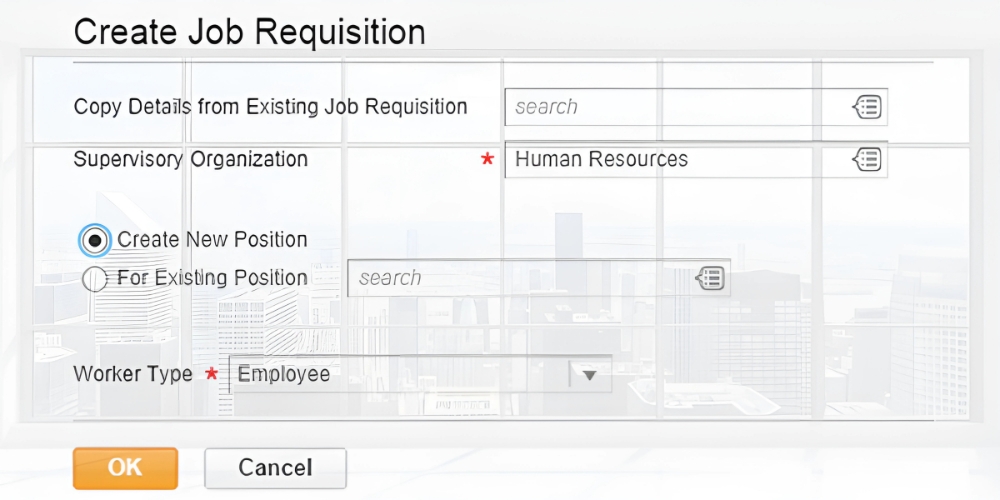
Six steps.
1. Define the need
Why hire? New role or replacement? What problem does this solve?
2. Outline job details
Title, department, location, manager, employment type, target start date.
3. Set budget and comp
Salary range, total comp, benefits, bonuses. Note budget status.
4. Add role justification
Brief paragraph explaining the business need. E.g., "Need mid-level UX designer to support mobile redesign; existing resources delaying releases."
5. Set approval flow
List required approvers: hiring manager, HR lead, finance, department head.
6. Assign requisition number
Auto-generated in Workday/BambooHR. Manual systems: sequential format (e.g., MKTG-2025-07).
Sample Requisition Form
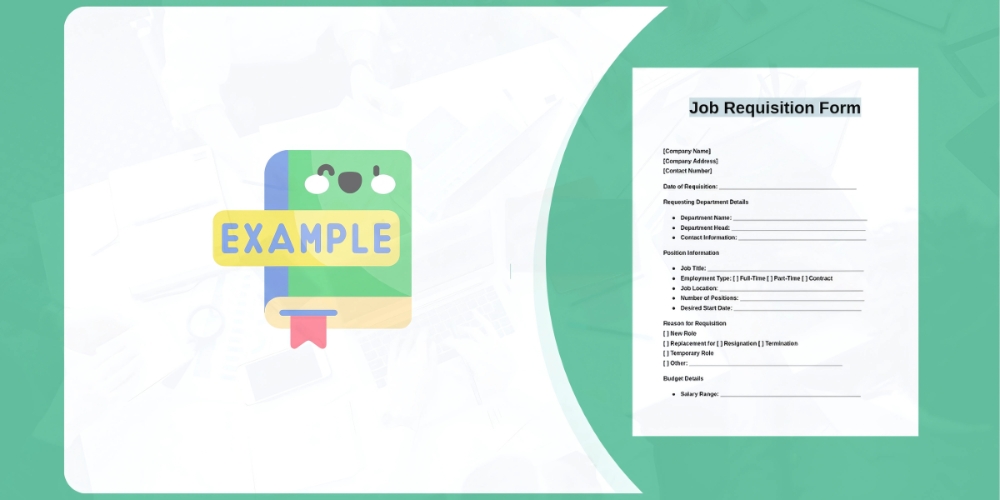
Most forms — whether spreadsheet, Google Form, or HR platform — follow a common structure.
| Field | Example |
|---|---|
| Job Title | Marketing Coordinator |
| Department | Marketing |
| Hiring Manager | Sarah Lee |
| Employment Type | Full-Time |
| Location | Remote (US-based) |
| Start Date | June 15, 2026 |
| Salary Range | $50,000–$60,000 |
| Justification | New role to support email marketing growth |
| Reports To | Director of Marketing |
| Budget Code | MKT-2026-012 |
| Requisition Number | MKT-REQ-054 |
| Approvers | Hiring Manager + Finance + HR |
ATS platforms (BambooHR, Workable, Greenhouse) often offer custom requisition templates synced with job boards and approval chains.
Requisition vs Description vs Posting
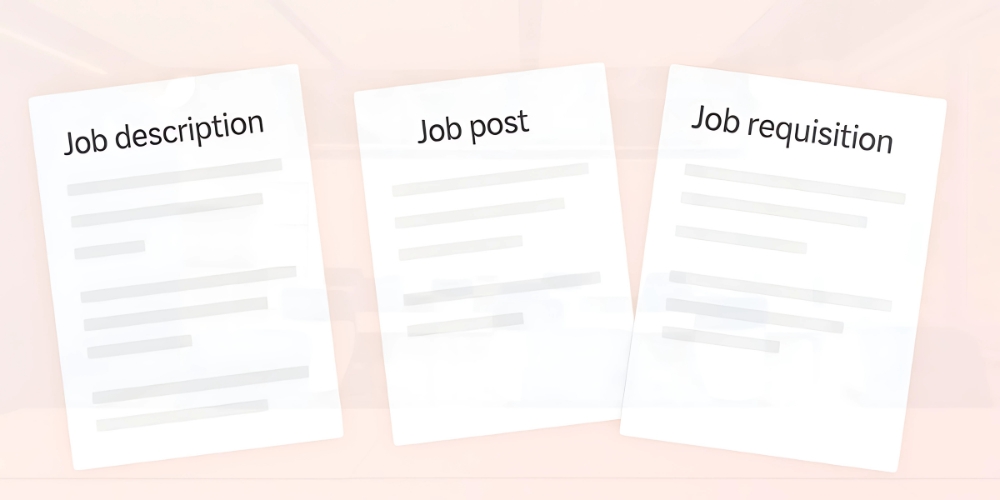
These three documents do different jobs — clarified with job description vs spec.
| Document | Purpose | Audience | Key Contents |
|---|---|---|---|
| Job requisition | Internal request to hire | HR, finance, leadership | Justification, budget, approvals |
| Job description | Define duties + qualifications | Internal teams + candidates | Duties, skills, requirements |
| Job posting | Public-facing ad | Job seekers | Catchy intro, benefits, apply path |
The Bottom Line
Solid hiring starts with a clear, well-structured job requisition. It sets the tone for everything downstream — budget, approvals, JD writing, public posting. Understanding what a requisition is, how to write one, and how it differs from related documents empowers teams to move faster, stay aligned, and attract the right talent from day one.
FAQs
What's the difference between a requisition and a job description?
Requisition is the internal hiring request (with budget, justification, approvals). JD defines the role itself (duties, skills, requirements). Both come before the public job posting.
Who approves a job requisition?
Typically hiring manager + HR + finance + department head. Larger companies add executive approval for senior roles.
Is a requisition number the same as a job ID?
Often yes — it's the tracking identifier that follows the role through your ATS and across systems.
Do small companies need formal requisitions?
Yes, even a simple one-page version saves headaches. Documents the why, the budget, and the approver — preventing scope creep later.
What's the highest-leverage starting move?
Build one template covering your six core sections and use it for every open role going forward. Consistency at the entry point fixes most downstream hiring issues.
Keep reading

Writing Job Descriptions for Startups: Templates and Common Mistakes

