

LinkedIn Easy Apply: How to Find Jobs Fast and Land Replies
Find LinkedIn Easy Apply jobs efficiently and turn fast applications into actual replies — filters, timing, profile prep, and common mistakes to avoid.
Ployo Team
Ployo Editorial
TL;DR
- Use the "Easy Apply" filter under LinkedIn Jobs to cut to applications that need only your profile + resume.
- Easy Apply response rates run roughly 3–13% (AutoPosting.ai) — quality beats quantity.
- Apply within the first 10 minutes of posting for the strongest recruiter visibility (LinkedIn).
- Customise your resume for each role; generic resumes get filtered out by ATS quickly.
- Use the auto-tracked "My Jobs" tab to follow up systematically after 7–10 days.
LinkedIn Easy Apply trades depth for speed — perfect when used selectively, ineffective when used as spray-and-pray. The candidates who land interviews through it aren't applying to the most jobs; they're applying early, with tailored resumes, to roles that genuinely fit. This guide walks through how to find Easy Apply roles efficiently and convert them into real interviews.
What Easy Apply Is
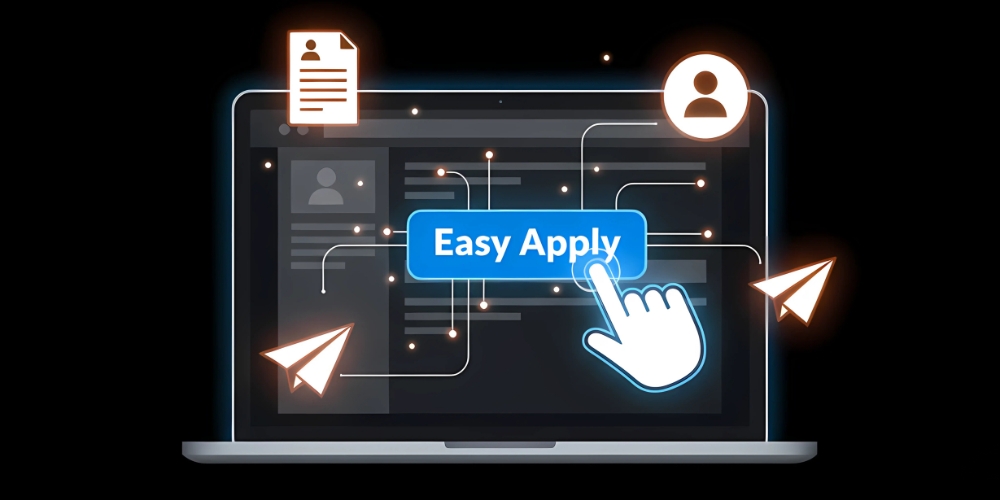
Easy Apply lets you submit your LinkedIn profile and a resume to a job with a few clicks — no external site, no long forms, no cover letter required. LinkedIn shares your profile data with the employer directly.
The trade-off: low friction means high application volume on each role. Some roles get hundreds of Easy Apply submissions in the first day. To stand out, your profile and resume need to do the work the missing cover letter would have done.
Easy Apply is most common for high-volume entry-level roles and mid-career individual-contributor positions. Senior and specialist roles more often route through external systems where additional context can be captured.
How to Find Easy Apply Jobs
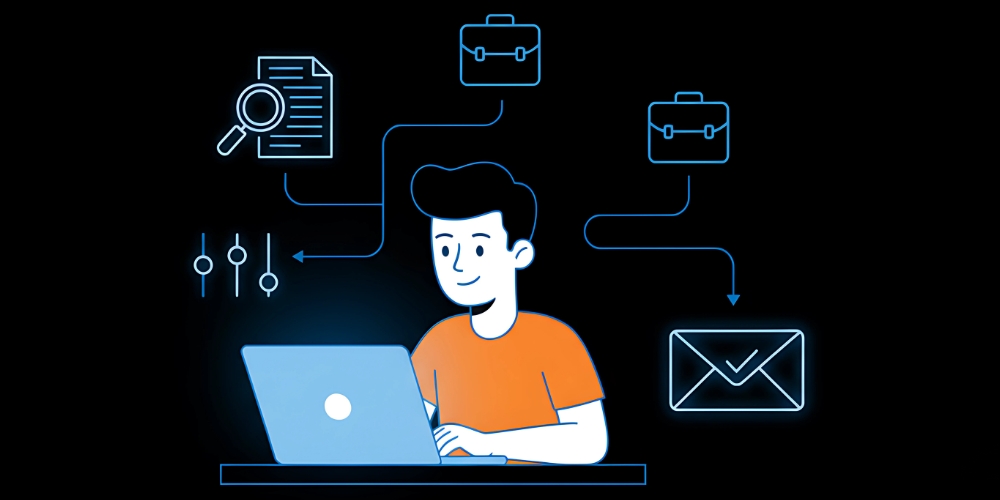
A clean eight-step workflow.
1. Open the Jobs tab
Top navigation on LinkedIn, both desktop and mobile.
2. Search role + location
"Marketing Assistant, Karachi" or "Graphic Designer, Remote" — be specific enough that results match what you can actually do.
3. Toggle the Easy Apply filter
Left side on desktop, top on mobile. Filters out anything that would redirect to external sites.
4. Add secondary keyword filters
Refine by "remote," "entry-level," "contract," or your specialty. Layered filters produce sharper match quality.
5. Sort by Newest
Recent postings get more recruiter attention than older ones. Apply early.
6. Read each role carefully
Even with Easy Apply, some roles redirect or have screening questions. Read the full description before clicking.
7. Attach a tailored resume
When the form allows resume upload, use a version tuned to that specific role's keywords and skills.
8. Track applications
LinkedIn's "My Jobs" tab tracks Easy Apply submissions automatically — use it. Add follow-up dates 7–10 days out.
Maximising Response Rates
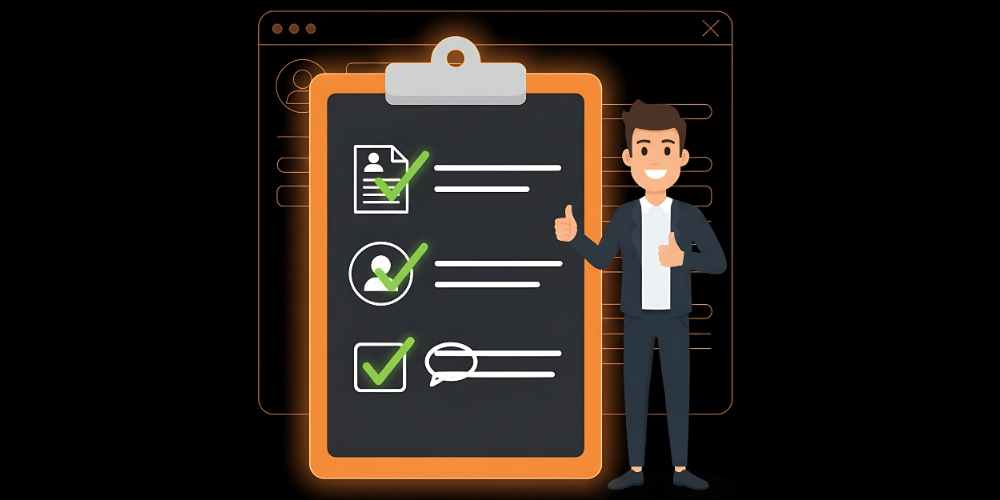
Seven habits that consistently improve conversion.
Tailor profile and resume
Headline, skills, and most-recent role should align directly with the target role. Recruiters scan profile + resume together — if either is off, you're filtered out.
Add a short note when allowed
Some Easy Apply forms include an optional message field. Use it. Two sentences of genuine interest plus a specific qualification reference beats 90% of applications.
Apply early
LinkedIn's data suggests applying within the first 10 minutes of a posting gets disproportionate recruiter attention. Set up job alerts and check them quickly.
Volume vs quality
AutoPosting.ai's research shows Easy Apply response rates run roughly 3–13%. Ten tailored applications produce more interviews than fifty generic ones.
Follow up after 7–10 days
A short, polite message to the recruiter (when identifiable) bumps your application back into view. Don't repeat your resume; reference something specific.
Optimise for ATS
Many companies route LinkedIn applications through applicant tracking systems. Simple layouts, role-relevant keywords, no fancy formatting. Standard formatting beats creative formatting at the screening stage.
Know how Easy Apply works behind the scenes
Easy Apply auto-shares profile data with employers. Understanding how LinkedIn Easy Apply works helps you make sure your profile is the version recruiters should see.
Account for AI screening
Many recruiters use AI tools for screening and ranking. Your resume needs to be machine-readable as much as human-readable.
Common Mistakes
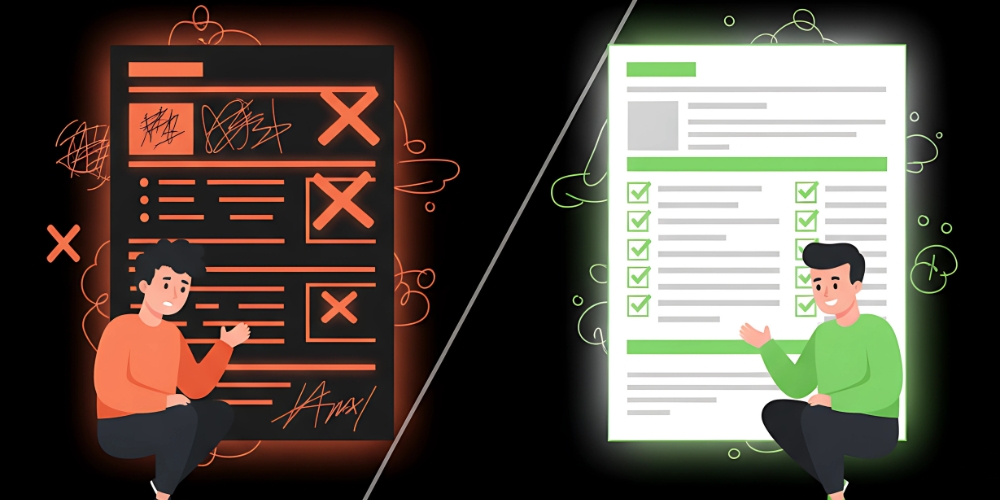
Six patterns that consistently tank response rates.
Generic resumes
A single resume across 100 applications is the fastest way to get filtered out. Recruiters spot generic resumes immediately, and ATS systems penalise low keyword alignment.
Skipping the job description
Easy Apply often hides screening questions deeper in the form. Skim-applying misses them and produces blank or wrong answers.
Stale profile
Easy Apply auto-sends your current profile. An outdated headline or experience section undermines the application before it lands.
Not checking the company
Some listings are duplicated by staffing agencies or outdated. A quick check on the company page filters out the low-value ones.
Applying too late
Late applications to a role that's been open for weeks compete against an already-screened shortlist. Recent postings get the strongest attention.
Over-applying daily
Flooding recruiters with irrelevant applications damages future visibility. Focus on roles aligned with your background. Five well-targeted applications beat fifty generic ones for both response rate and downstream interview quality.
Avoiding these mistakes meaningfully accelerates progress through the recruitment process.
Benefits Worth Knowing

Five things Easy Apply does well.
Speed
A relevant application can be submitted in 30 seconds when your profile is set up well. The time saving compounds across active job searches.
Broader access
Easy Apply roles span industries and experience levels. Companies that wouldn't otherwise see your profile become reachable.
Strong for entry-level and mid-career
These roles often weigh demonstrated skills over cover letters. Easy Apply maps directly to how recruiters at this level actually screen.
Auto-tracking
The "My Jobs" tab keeps every application logged. Easy to review, easy to follow up systematically.
Mobile-first
Works smoothly on phone or laptop. Job-search momentum doesn't depend on being at a desk.
The Bottom Line
LinkedIn Easy Apply isn't magic — it's a tool. The candidates who use it well aren't applying to the most jobs; they're applying to the right jobs early, with tailored resumes, on a profile that's been polished for the recruiter pass. The candidates who use it poorly blast generic resumes across hundreds of roles and wonder why nothing comes back. Treat Easy Apply as one channel in a broader job-search strategy, run it deliberately, and the response rate climbs from "barely any" to "consistently real."
FAQs
Do recruiters take Easy Apply applications seriously?
Yes — especially when your profile and resume clearly match the role. Recruiters prioritise qualified candidates regardless of the application method.
Can I upload a different resume for each Easy Apply job?
Yes. The form allows a fresh upload per application — and using it is one of the highest-leverage moves you can make. A custom resume per role consistently outperforms one shared file.
Is Easy Apply better than applying through the company website?
For mid-level and high-volume roles, often yes — speed beats friction. For senior or niche roles, applying directly often allows more context and signals stronger interest.
How many Easy Apply jobs should I apply to per day?
5–10 tailored applications produces better results than 50 generic ones. Quality matters far more than volume for response rate.
What's the single highest-leverage move?
Apply within the first 10 minutes of a relevant new posting with a tailored resume. The combination of timing and relevance produces dramatically higher recruiter response rates than late or generic submissions.
Keep reading


